Make the WordPress Ipsum theme your own.

Ipsum is the new WordPress default theme, a minimal and flexible blank canvas for your ideas. Twentig supercharges it with ready-made starter sites and easy customization tools for your blog, business, or personal website. No coding needed.

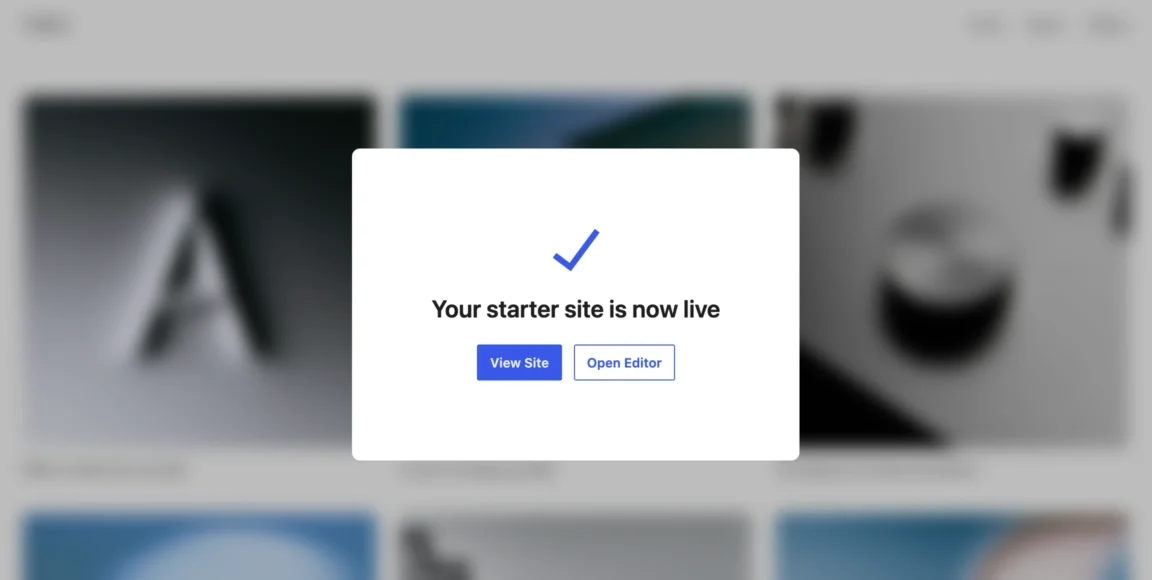
“Your starter site is now live” confirmation modal over the Visual Blog starter site for the WordPress Ipsum theme.

Get a head start with Ipsum starter sites.

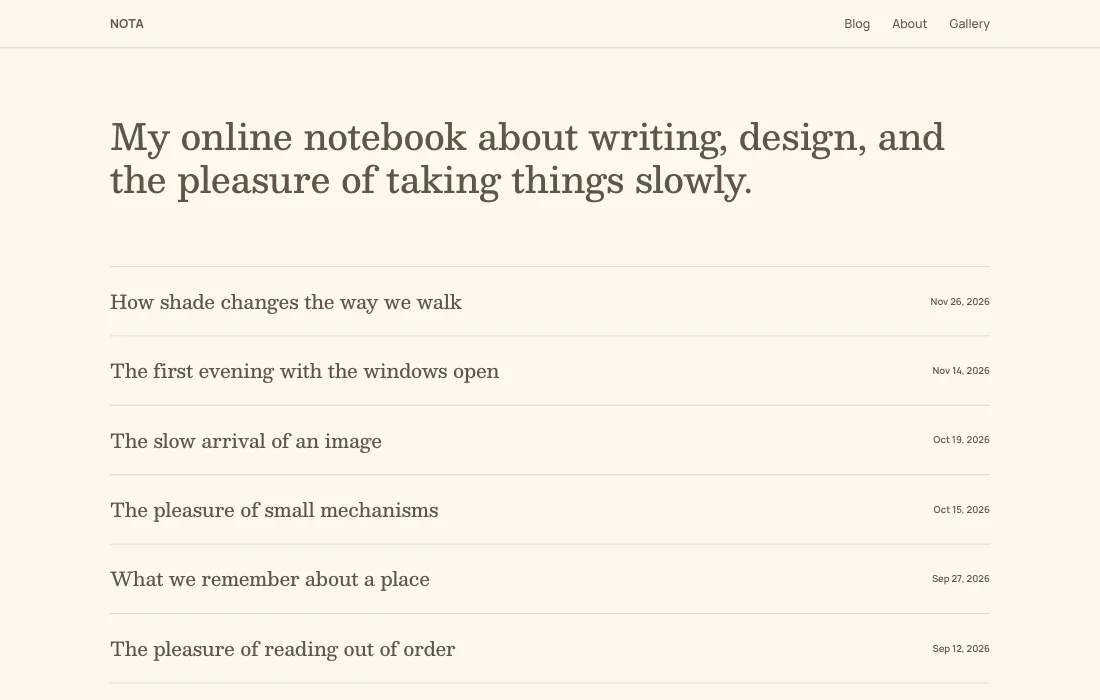
Choose from our professionally designed starter sites for the WordPress Ipsum theme. Import one from Twentig → Starter sites in your WordPress dashboard, personalize your colors and fonts, then replace the content with your own.
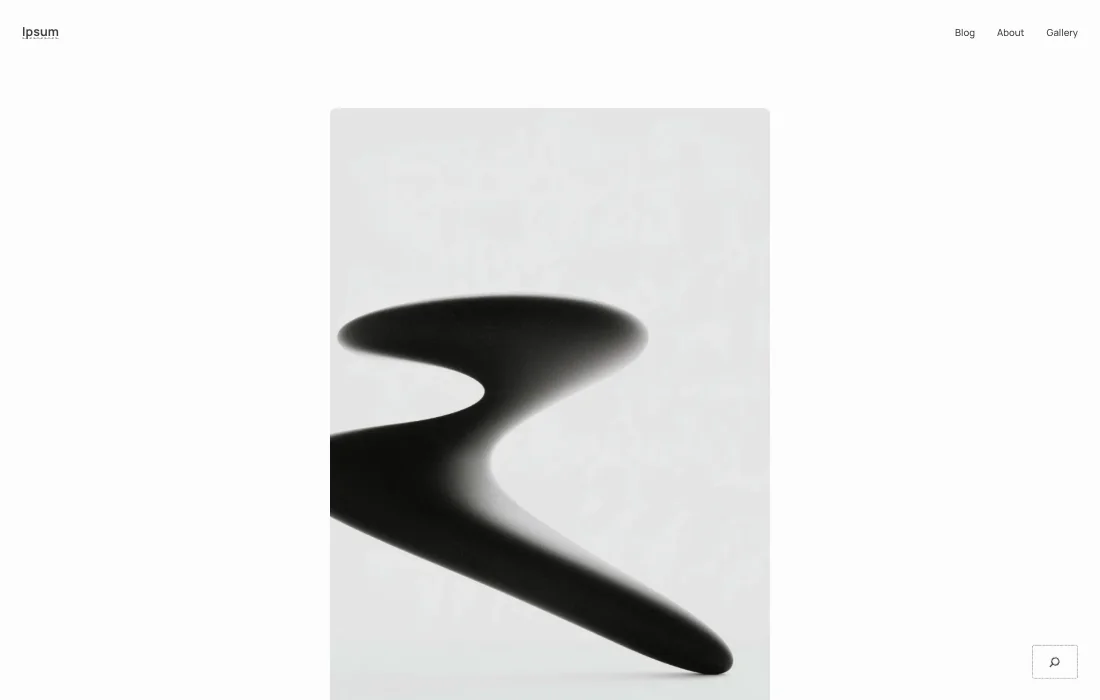
Customize the Ipsum theme with Twentig.

The Twentig plugin is the perfect companion for the new WordPress default theme. It brings new levels of customization to the Ipsum theme and helps you easily build a stunning website.

More possibilities for your blocks

Enhance the WordPress blocks you already use with powerful features like gallery sliders, video lightboxes, clickable groups, and scroll animations.

Explore blocks

Ready-made patterns

Build beautiful pages faster with hundreds of professionally designed WordPress patterns you can combine and customize.

Explore patterns

Flexible portfolio tools

Create and manage your portfolio with dedicated project pages and essential features to showcase your work.

Explore portfolio

About the WordPress default theme.

Ipsum is a modern WordPress block theme built around the blogging experience. It will be released with WordPress 7.2 on December 8, 2026. With style variations, versatile templates, and block patterns, it gives you a flexible starting point for your website.

This theme was developed by WordPress contributors led by Carolina Nymark, Maggie Cabrera, and Juanfra Aldasoro and designed by Henrique Iamarino.
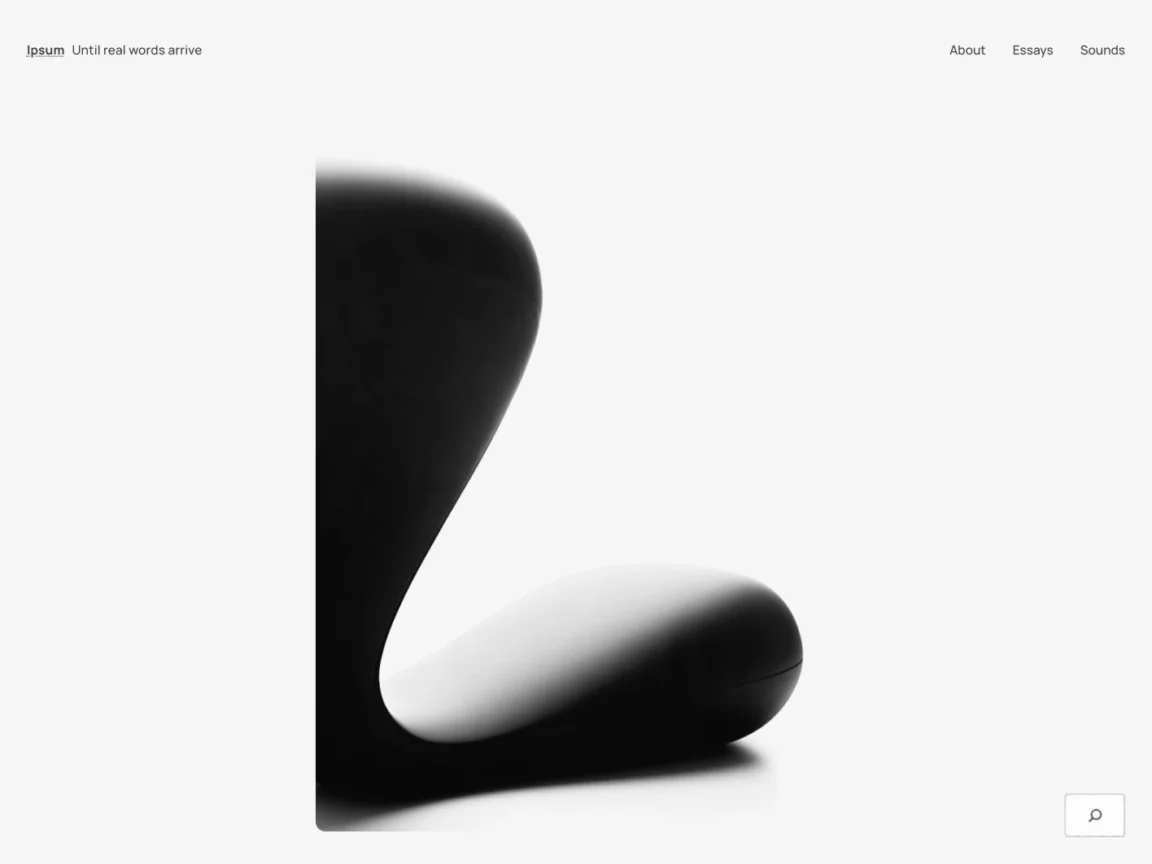
The official screenshot of Ipsum, the new WordPress default theme.

Questions about the WordPress Ipsum theme.

  1. In your WordPress dashboard, go to Plugins → Add Plugin.
  2. Type Twentig in the search box. Alternatively, click Upload Plugin to upload the Twentig ZIP file.
  3. Click Install Now.
  4. Once the installation is complete, click Activate.

You’ll be redirected to the Twentig dashboard, where you can import an Ipsum starter site.

With the Ipsum theme and the Twentig plugin activated, go to Twentig → Starter sites in your WordPress dashboard. Choose a starter site and click Import. On the setup screen, add your logo, choose a color palette and fonts, then click Finish. Use the WordPress block editor to replace the sample content with your own and customize your site further.

Open the page in the WordPress block editor. In the page settings sidebar, click the current template name next to Template, such as Pages. Select Pages No Title from the dropdown and click Save.

This template omits the automatic page title and its H1. To add your own title, insert a Heading block in the page content and set its level to H1.

Ipsum includes built-in CSS to make sticky headers easy to set up. Set the main Group block inside the Header template part to Sticky to keep your header visible as you scroll.

  1. In your WordPress dashboard, press Ctrl + K (Cmd + K on Mac) to open the command palette.
  2. Search for Header and select the Header template part.
  3. Select the top-level Group block inside the template part.
  4. In the block settings sidebar, set Position to Sticky.
  5. Click Save.

Ipsum’s sticky search bar stays fixed at the bottom of the screen. The easiest way to remove it is to empty the Search Bar template part. Go to Appearance → Editor, press Ctrl + K (Cmd + K on Mac), and type Search Bar. Open the template part from the results, remove all its blocks, and save your changes. If you’re using Twentig, it removes the empty <div> wrapper from the front end of your site.

You can also go to Appearance → Editor → Templates and remove the Search Bar template part from every template that uses it, such as Index, All Archives, Pages, Pages No Title, and Single Posts. Use List View to find and remove the template part, then save each template. This method takes longer because you need to update each template separately.

Ipsum adds a crossfade when you navigate between pages. To remove it, open the Site Editor, press Ctrl + K (Cmd + K on Mac), type custom CSS, and select Open custom CSS. Add the following CSS and click Save.

					
@view-transition { navigation: none; }

Ipsum briefly displays a thin colored bar at the top of the screen when a post opens. To remove it, open the Site Editor, press Ctrl + K (Cmd + K on Mac), type custom CSS, and select Open custom CSS. Add the following CSS and click Save.

					
body.single::before {
    content: none;
}

Ipsum replaces Twenty Twenty-Five as the WordPress default theme starting with version 7.2, available December 8, 2026. WordPress has moved away from year-based theme names: default themes change when the design calls for it, rather than following an annual naming schedule. Learn about the new naming direction.

Choose Ipsum if you want the WordPress default theme as your starting point. Twentig adds starter sites and customization tools to help you make it your own.

Choose Twentig One for more design flexibility and a wider choice of starter sites, including portfolios. With our Onboarding Customizer, you can easily personalize your starter site further, including its header, footer, and blog layout. Our WordPress block theme works seamlessly with the Twentig plugin and includes powerful features like transparent headers, sticky headers that reappear as you scroll up, and support for post formats.

Both themes are free and fully customizable in the WordPress Site Editor.

Build your website with Ipsum and Twentig. It’s easy and free.

Give back to Twentig

If Twentig helped you build a website, please support us. Every donation makes Twentig better!