Get started in a few clicks.
Your download will begin automatically. If it doesn’t, try downloading again.
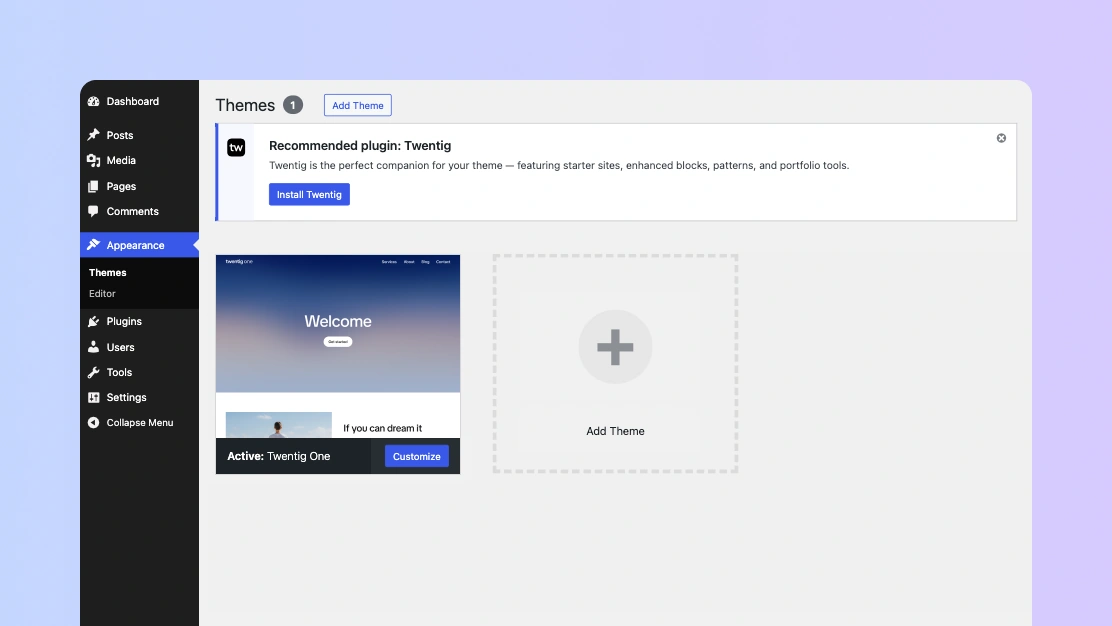
1. Install the Twentig One theme
Once you’ve downloaded Twentig One, open your WordPress dashboard.
- Go to Appearance > Themes.
- Click Add Theme, then click Upload Theme.
- Click Choose file and select the twentig-one.zip file.
- Click Install Now, then click Activate.
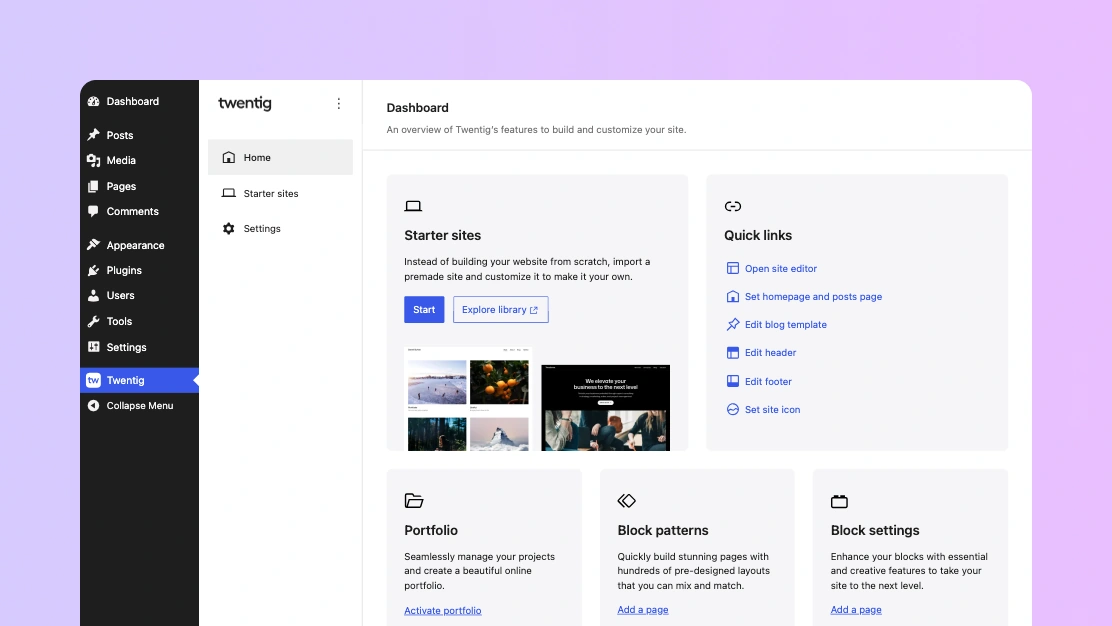
2. Install the Twentig plugin
Once you’ve activated Twentig One, you’ll be prompted to install the Twentig plugin.
- Click Install Twentig.
- Click Activate Plugin.
You’ll be redirected to the Twentig dashboard, where you can import a fully customizable starter site.
Just need the plugin? Download Twentig from WordPress.org.