
Personal starter

Presets

About

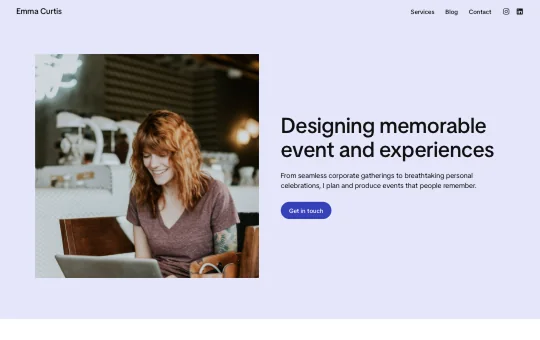
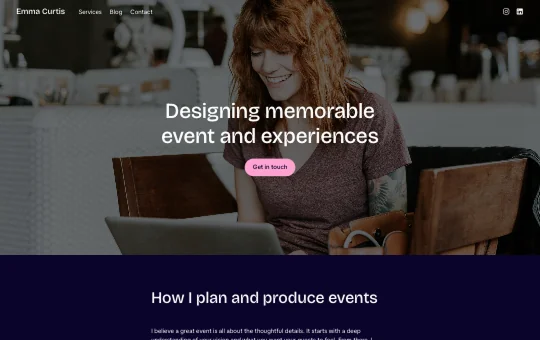
The Personal Starter site is a clean foundation for building your own space on the web. Ideal for freelancers, creators, students, and professionals, it helps you share your story and showcase your expertise. With sections for your bio, services, experience, testimonials, and blog, it’s ready to grow with you.

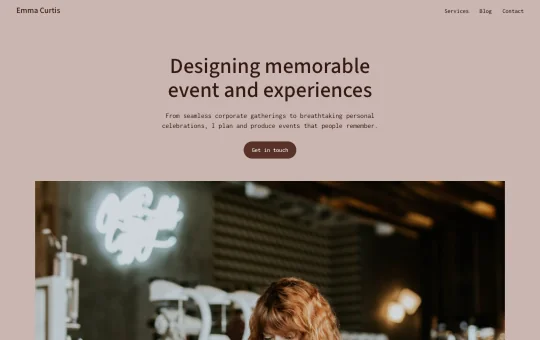
This responsive and versatile WordPress starter site offers a clean starting point that adapts beautifully to your personal brand. With the Twentig Customizer, you can start from a design preset and personalize the homepage, header, footer, blog, colors, and typography to craft a personal website that feels uniquely yours.

WordPress version

6.9 or higher

Twentig version

2.0 or higher

Theme

Twentig One

Designer

Yann Collet

How to import this starter site

There are two ways to import the Personal Starter site into WordPress.

Before you begin, make sure the Twentig plugin and the Twentig One theme are active.

The Personal Starter site is included directly in the Twentig plugin. Import it in one click, then customize it inside WordPress.

  1. In your WordPress dashboard, go to Twentig > Starter sites.
  2. Click Select, choose Personal, then click Import.
  3. Once imported, you’ll be guided through the Onboarding Customizer to personalize your starter site.

Want to customize before you import? Personalize the Personal Starter site on this page, then export and import it into WordPress when you’re ready.

Note: The Customize live feature is only available on desktop.

  1. Click Customize live at the top of this page.
  2. Customize your starter site and click Export. This downloads your starter site as an .xml file.
  3. In your WordPress dashboard, go to Twentig > Starter sites.
  4. Click Upload, choose or drop your .xml file, then click Import.

Give back to Twentig

If Twentig helped you build a website, please support us. Every donation makes Twentig better!