Blog starter

Presets

About

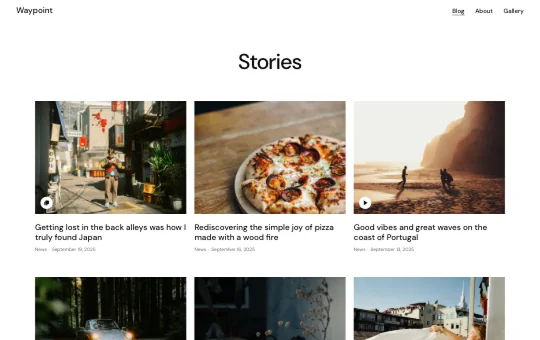
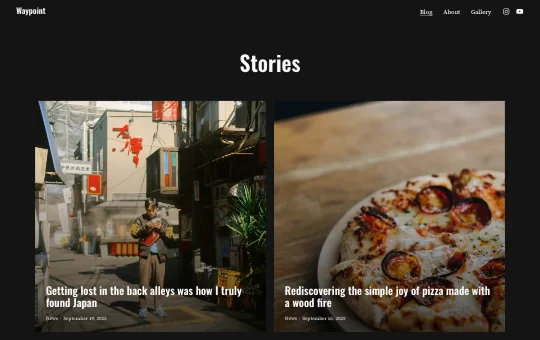
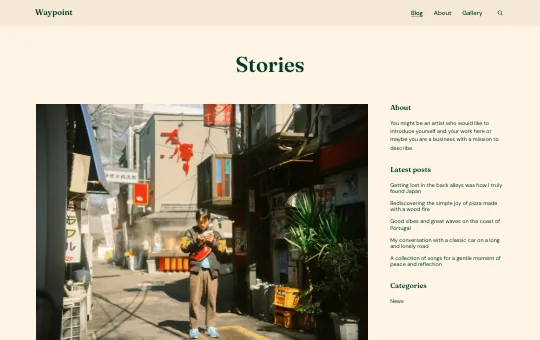
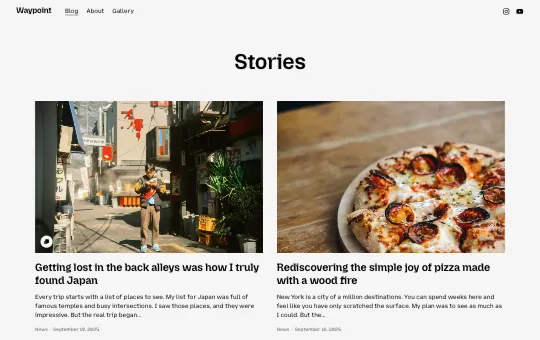
The Blog Starter site is a flexible foundation for bringing your content to life. Designed for bloggers, storytellers, and creators, it supports multiple post formats such as gallery, video, audio, and link. Whether you’re building a personal journal, a creative publication, or a photo blog, its layout options ensure your stories are beautifully presented.

This responsive WordPress starter site provides a versatile starting point for your blogging journey. With the Twentig Customizer, you can choose from four design presets and easily personalize your header, footer, blog, and posts. Adjust colors and typography to create a website that reflects your unique voice.

WordPress version

6.9 or higher

Twentig version

2.0 or higher

Theme

Twentig One

Designer

Yann Collet

How to import this starter site

There are two ways to import the Blog Starter site into WordPress.

Before you begin, make sure the Twentig plugin and the Twentig One theme are active.

The Blog Starter site is included directly in the Twentig plugin. Import it in one click, then customize it inside WordPress.

  1. In your WordPress dashboard, go to Twentig > Starter sites.
  2. Click Select, choose Blog, then click Import.
  3. Once imported, you’ll be guided through the Onboarding Customizer to personalize your starter site.

Want to customize before you import? Personalize the Blog Starter site on this page, then export and import it into WordPress when you’re ready.

Note: The Customize live feature is only available on desktop.

  1. Click Customize live at the top of this page.
  2. Customize your starter site and click Export. This downloads your starter site as an .xml file.
  3. In your WordPress dashboard, go to Twentig > Starter sites.
  4. Click Upload, choose or drop your .xml file, then click Import.

Give back to Twentig

If Twentig helped you build a website, please support us. Every donation makes Twentig better!